
 Official WhatsApp API
Deliver Projects On Time with WhatsApp-Powered Updates
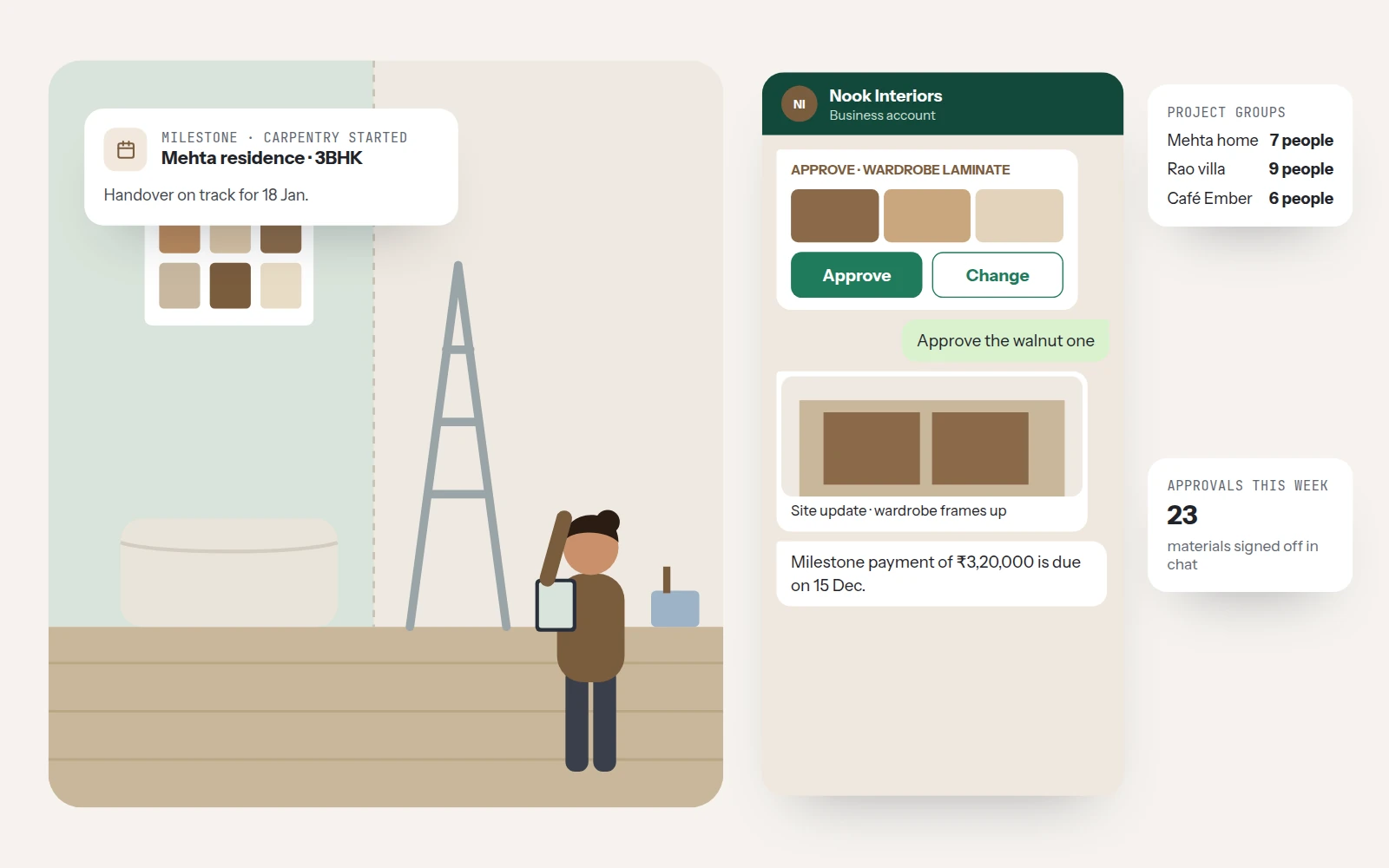
Renovation projects stall when a client takes a week to approve a laminate or doesn't know the site has moved on. Chakra Chat gets material approvals with a tap, sends site photos and milestone alerts, and keeps designers, contractors, and clients in one project group.
 No Credit Card Required
Built for scale. Proven across industries. Trusted by thousands.
Businesses love growing on WhatsApp with Chakra Chat
See why teams trust Chakra Chat for WhatsApp API, campaigns and support, in their own words.
- Rated on
4.8/ 5
Read reviews on G2 → - Rated on

4.3/ 5
Read reviews on Trustpilot →
Renovation Projects, Kept Moving
For interior designers, modular kitchen and wardrobe brands, and renovation contractors.
Material Approvals in Hours, Not Weeks
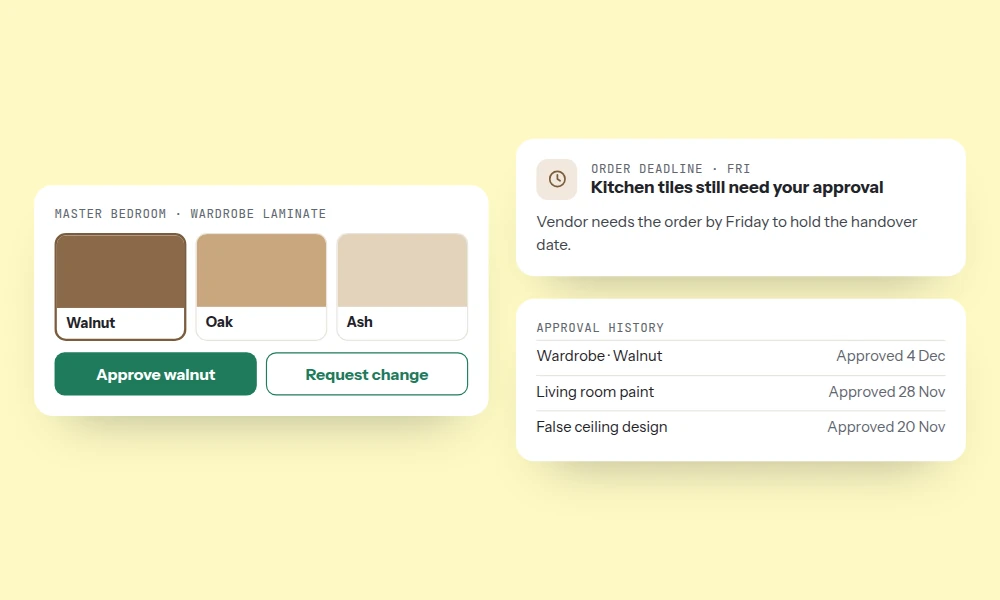
- Tap-to-Approve Selections - Share finishes, samples, and 3D renders with approve or change options in the chat.
- Approval Deadline Reminders - Clients who haven't responded get automatic reminders before the order deadline.
- Approval History - Every approval is recorded in the conversation history.
Clients Who See Progress Without Visiting
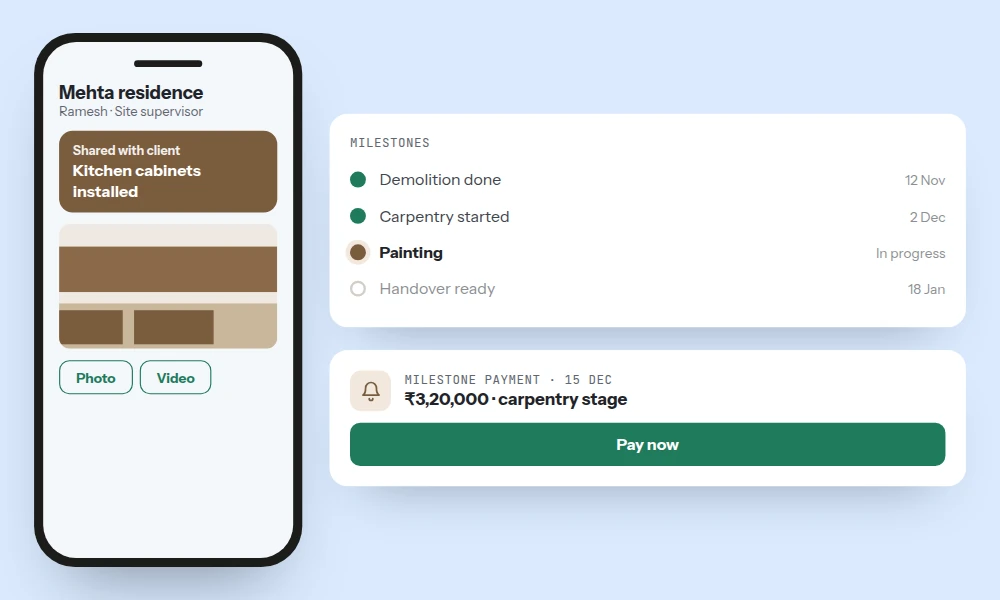
- Site Photo Updates - Site supervisors share progress photos and videos from the mobile app.
- Milestone Alerts - Demolition done, carpentry started, and handover ready alerts go to the client.
- Milestone Payments - Milestone payment reminders arrive with a payment link.
Designer, Client, and Contractors in One Thread
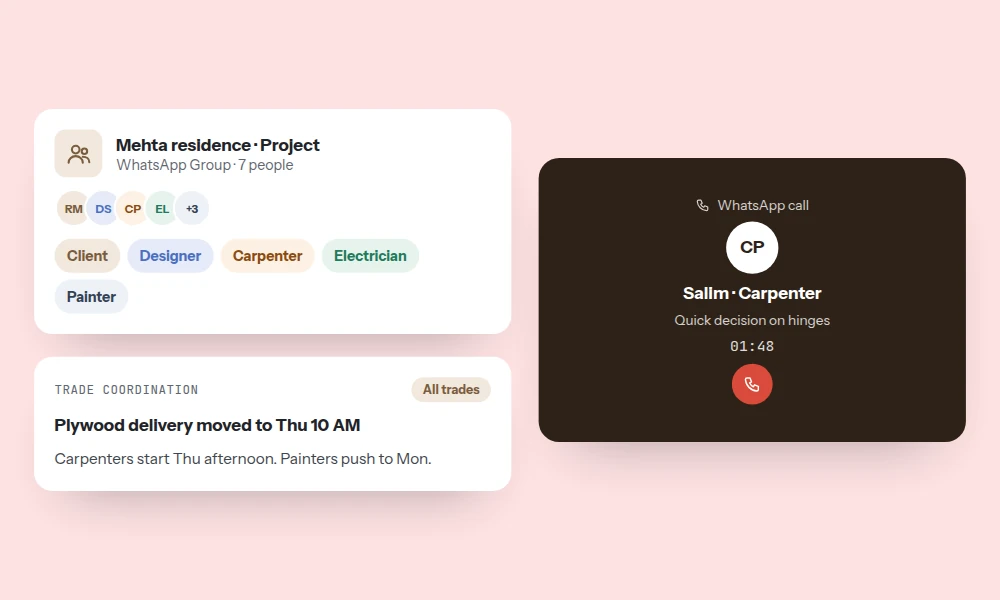
- Project Groups - Create a WhatsApp Group per project with the client, designer, and contractors through the Groups API.
- Trade Coordination - Material deliveries and schedule changes reach every trade at once.
- WhatsApp Calling - Call contractors or clients from the inbox when something needs a quick decision.
Leads Qualified Before the Site Visit
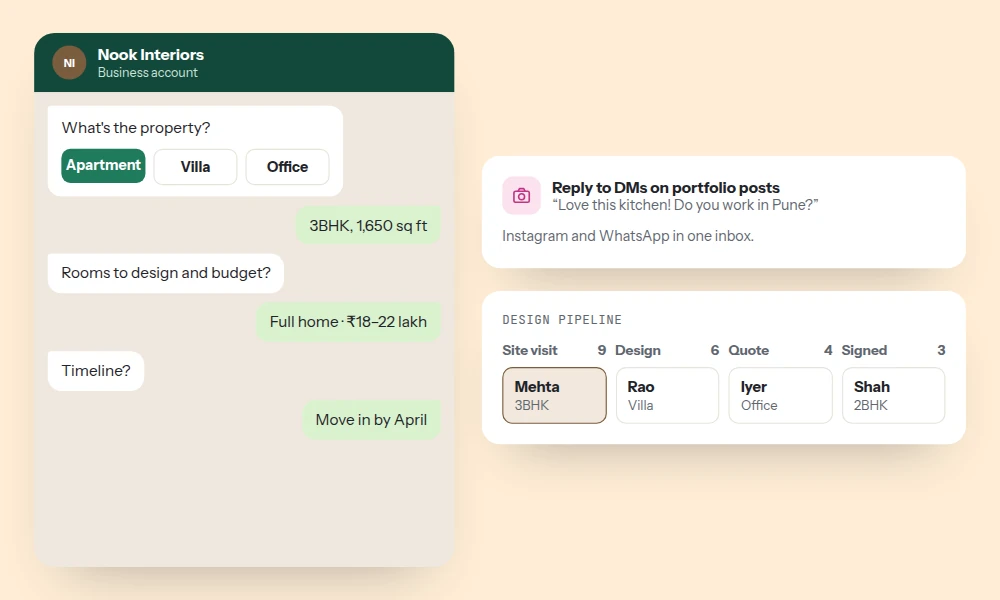
- Project Brief Chatbot - A chatbot asks about property type, area, rooms, budget, and timeline.
- Portfolio & Instagram - Share your portfolio and reply to Instagram DMs from the same inbox.
- Design Pipeline - Track leads from site visit to design, quote, and contract signed.
After Handover, Still Looked After
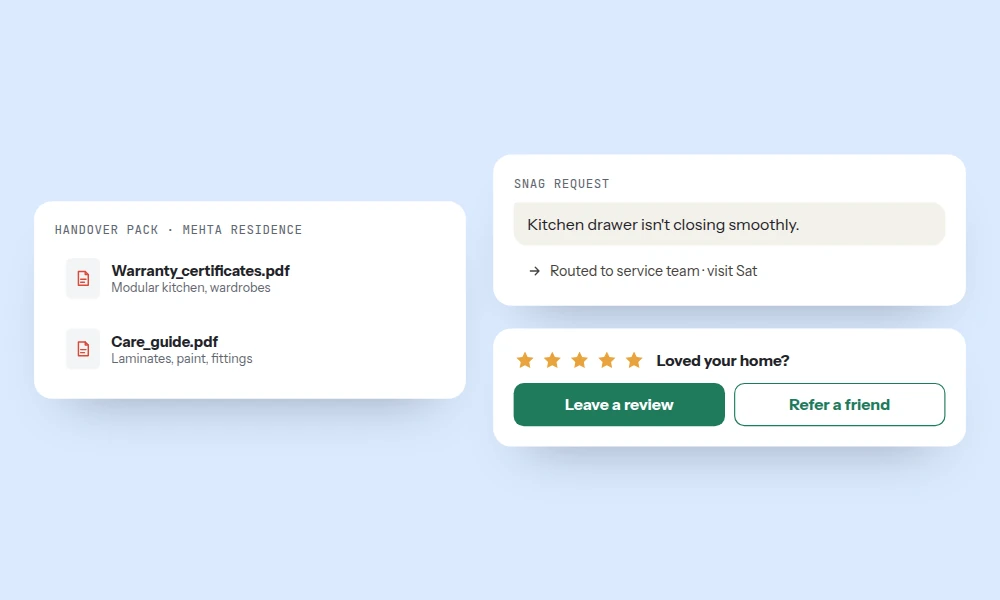
- Handover Packs - Warranty details and care guides are shared at handover.
- Snag & Service Requests - Clients raise post-handover issues in the chat, routed to the service team.
- Reviews & Referrals - Ask happy clients for reviews and referrals.
Projects That Finish on Time
Fewer Approval Delays
Clients approve selections with a tap.
Clients Who Trust the Process
Photo updates replace frequent site visits.
On-Time Payments
Milestone reminders keep cash flow steady.
Better Site Coordination
Every trade gets the same update.
Better-Qualified Leads
Briefs are collected before site visits.
More Referrals
Handover care leads to referrals.
Trusted by 1000+ businesses






Built for scale. Proven across industries. Trusted by thousands.
Trusted by businesses across 65+ countries — from startup founders to enterprise teams — Chakra Chat is the platform behind every WhatsApp-first customer engagement strategy.
- 3000+
- Customers
- 85+
- Countries
- 300Mn+
- Messages Sent
- 3Mn+
- Chatbot Sessions
- 2Mn+
- AI Responses
Every session, every reply, every automated flow — quietly working in the background, so your business never misses a moment that matters.
Few words of ❤️ from our customers
Get Started With WhatsApp API in few Steps
No technical setup, no long onboarding. Be live on WhatsApp API and sending messages in under 15 minutes.
Chakra Chat Sign Up
Create a Chakra Chat Account
Connect WABA Number
Embedded Signup to connect WABA & Number
Chakra Chat Subscription
Subscribe to Chakra Subscription plan
Start Engaging Customers
Start conversations, template message broadcasts
Set up Advanced Features
Setup Auto reply bot, AI agents, WhatsApp Calling
Setup Metrics & Reports
Track Campaign Delivery, Chat Response Time