
 Official WhatsApp API
Grow Cx Relationships Without IT Support
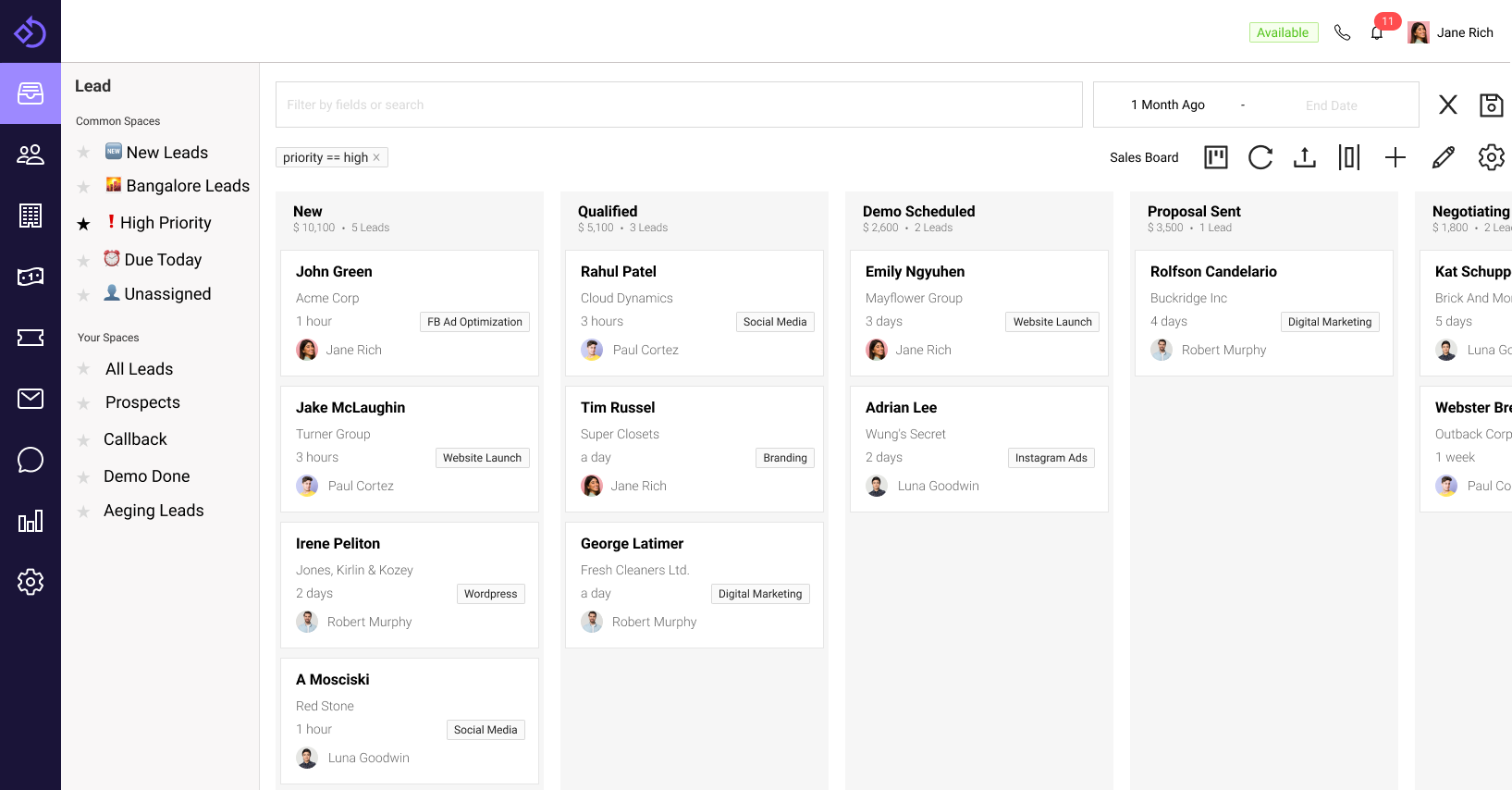
The no-code Sales CRM, tailored for SMBs. Realize improved productivity from day one.
 No Credit Card Required
Trusted by 1000+ businesses






How it works
Get started with your own custom CRM in a few simple steps
Import leads
Upload your sheet of leads/deals to get started
Configure Email
Sync your email and setup nurture campaigns
Monitor growth
With revenue forecasts and activity reports
Key Features
History
Track changes to leads/deals, calls, emails and automations in a single timeline view
Notes
Capture notes for leads, deals and contacts to keep track of important information
Email Campaigns
Nurture leads with sequence based email campaigns
Email Sync
Sync your email to keep track of emails and leads from a single place
Sales Reports
Apart from standard sales reports - you can create your own custom reports & dashboards
Automated Assignment
Assign leads and deals automatically on a round-robin or load-balanced basis
Notifications & Reminders
Get notified of important events like when leads are assigned to you or when a deal is won/lost
Custom Layouts
Modify the layout details screens to show information that is important to your business
Web Forms
Create embeddable lead collection forms using our no-code builder
Auto Lead Capture
Automatically capture leads from your website and social media platforms
User Access Control
Have granular control over who can access what data
Mobile App
Access all features on the go from your mobile devices
Key Modules
Leads
- Bulk import / export
- Customizable Fields
- Detailed History
Deals
- Pipeline views
- Deal Forecasting
- Deduplication
Accounts
- Model companies/accounts
- Business specific fields
- Multiple phone numbers/email addresses
Contacts
- Auto sync to/from phone
- Deduplication
- Create Contact groups
Tasks + Reminders
- State specific tasks
- Reminders and notifications
- Calendar view for tasks
Campaigns
- Sequence builder
- Click + Open tracking
- Re-usable email templates
Frequently Asked Questions
Is a sales CRM suitable for 1-2 member team?
Yes, sales CRM is even more useful for small teams. It helps you automate repetitive tasks like sending emails and messages. It also helps you stay on top of your sales pipeline via reminders and alerts, making your small team more productive.
Can I automate entry of leads from my website?
You can easily push leads from your website to Chakra Sales CRM via our lead form integration plugin.
Do I need to hire a partner or developer to implement Chakra Sales?
You can easily setup Chakra Sales CRM on your own. If you need any help, our team will be happy to guide you on chat or email.
Can I import my existing leads and deals?
Yes, you can import your existing leads and deals by using the bulk upload feature. Please get in touch with us for help regarding migration.
Can I use Chakra Sales CRM for free?
Yes, you can use Chakra Sales CRM for free for up to 2 users. You can also try out all the features of Chakra Sales CRM for free for 21 days.