

Account SetupOther Setup Settings
Connect Multiple Numbers
Chakra Chat support multiple WhatsApp Phone Numbers. This Guide to assist users connect their multiple numbers.
Overview
Create multiple Phone numbers to your WhatsApp Business account in Chakra or create multiple WhatsApp Business Accounts in the same Chakra WhatsApp Setup.
Connect Multiple Phone Numbers/ WABAs
- Go to 👉 WhatsApp Setup
- In the ReConnect WhatsApp section click on
Continue with Facebook
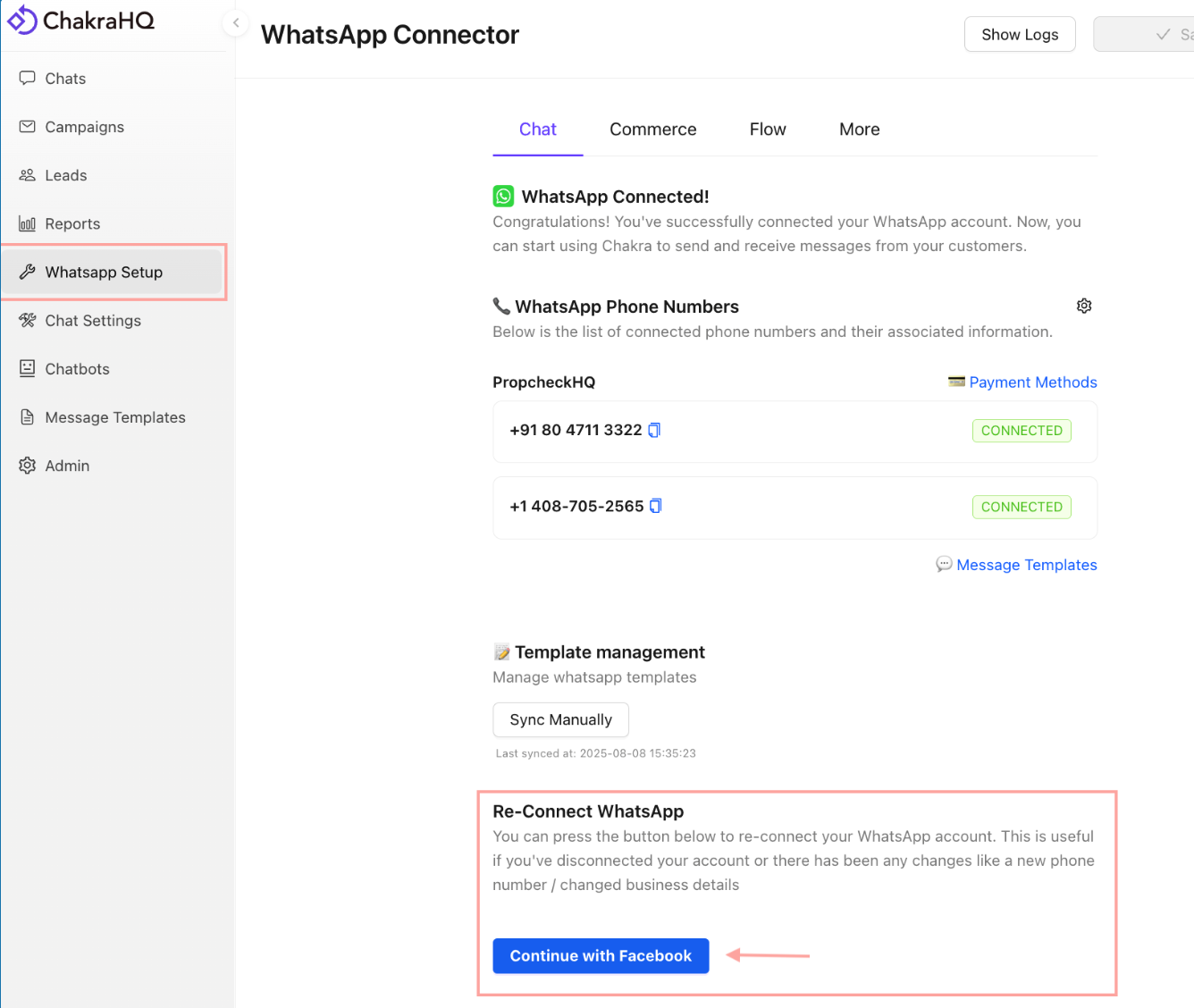
- Follow the setup steps as done for a new WhatsApp setup: New Number setup Coexistence Setup
- Enter your phone number
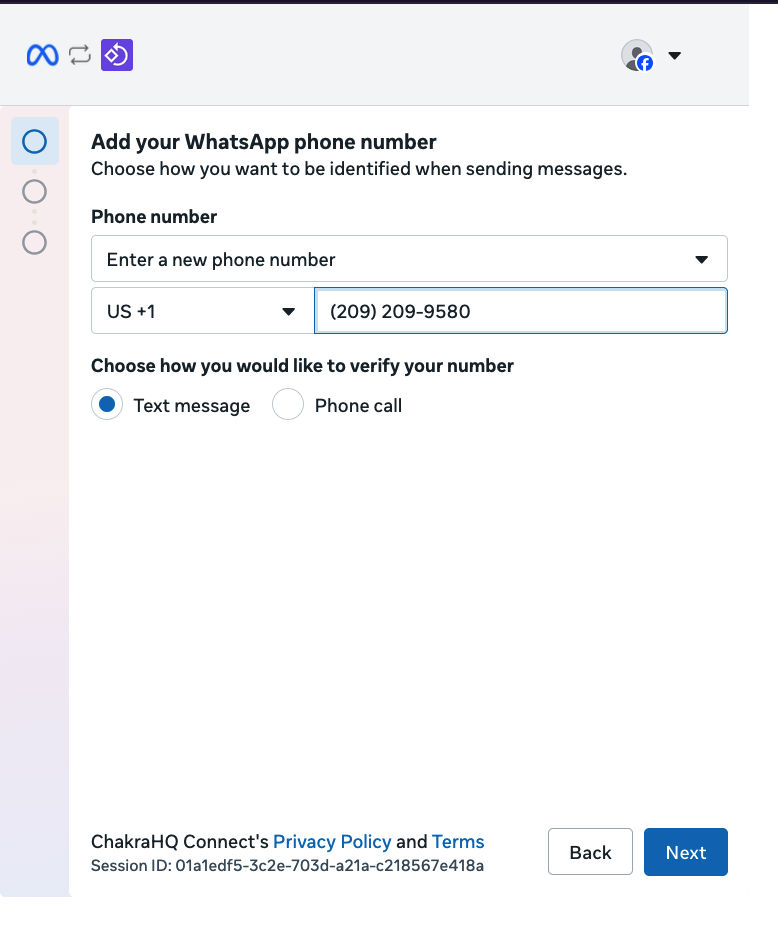
- Continue with the setup flow in the same manner
- For Cloud API Number follow this Cloud API setup guide
- For Existence Number, follow this CoEx setup guide