8. Test Chakra Features 👉
Test Chakra All Chat features before getting started
Once your account setup is complete. You can quickly test to understand the working Chakra product features. Below is the a quick guide to test all the key features in Chakra.
Test Chatbot Feature
- Go to 👉 Chatbot Settings and click on **Use **in the Test Chatbot
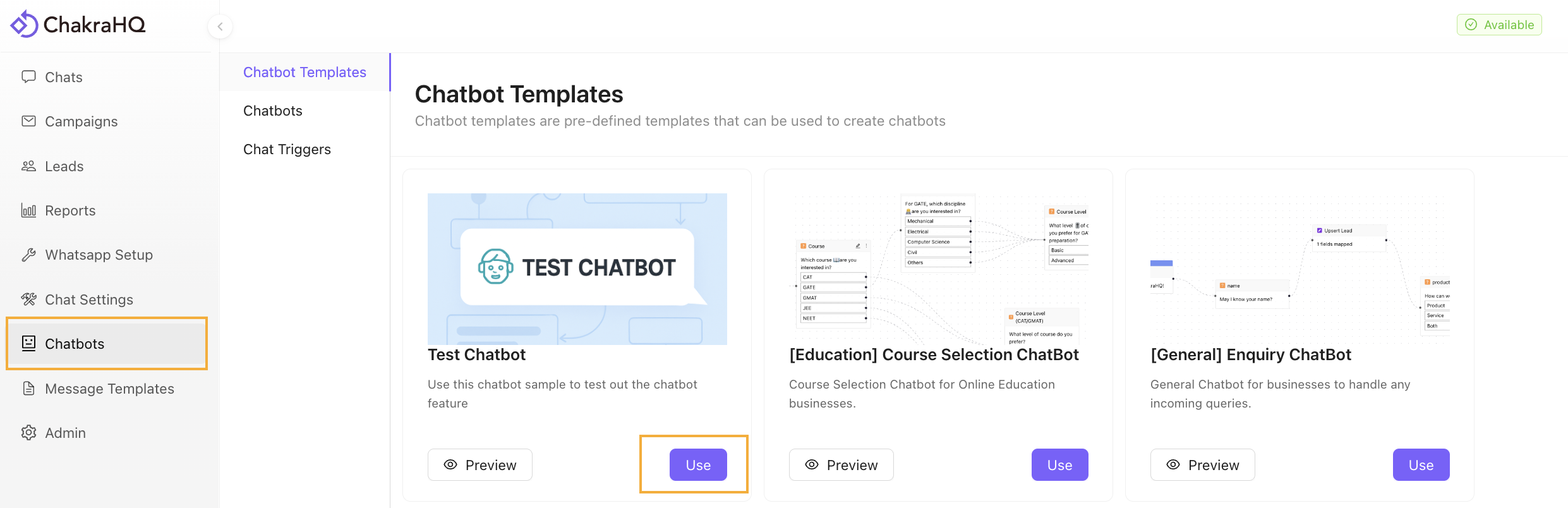
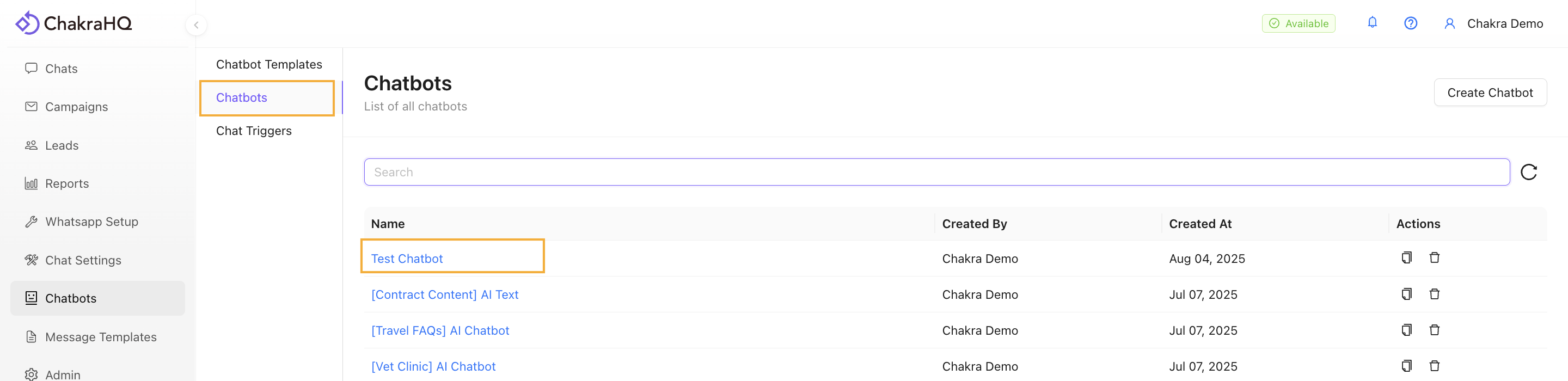
- Go to the Chatbots. The Test Chatbot has been added to your chatbot.
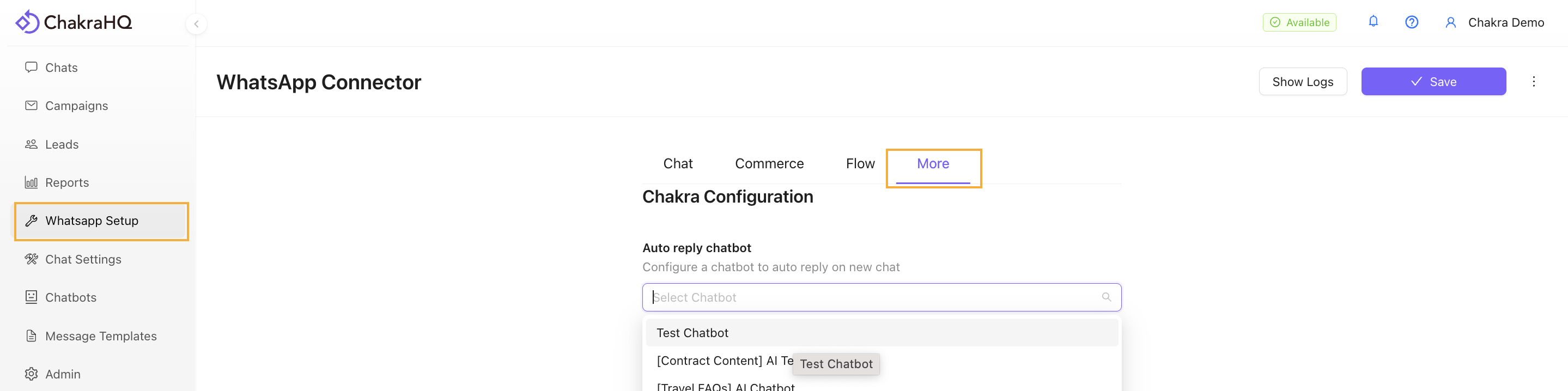
- Navigate to WhatsApp Setup. Go to the More tab and in the Auto reply chatbot field select the Test Chatbot from the dropdown and click on Save.
- Next, send a message to your connected WhatsApp Number in Chakra from your personal WhatsApp number. The Chatbot will be live in action.
Test Shared Chat Inbox Feature
Go to 👉 Chakra Chat Inbox
- Send a test message to the connected WhatsApp API number from your WhatsApp number
- Manage reply from Chakra Chat Inbox
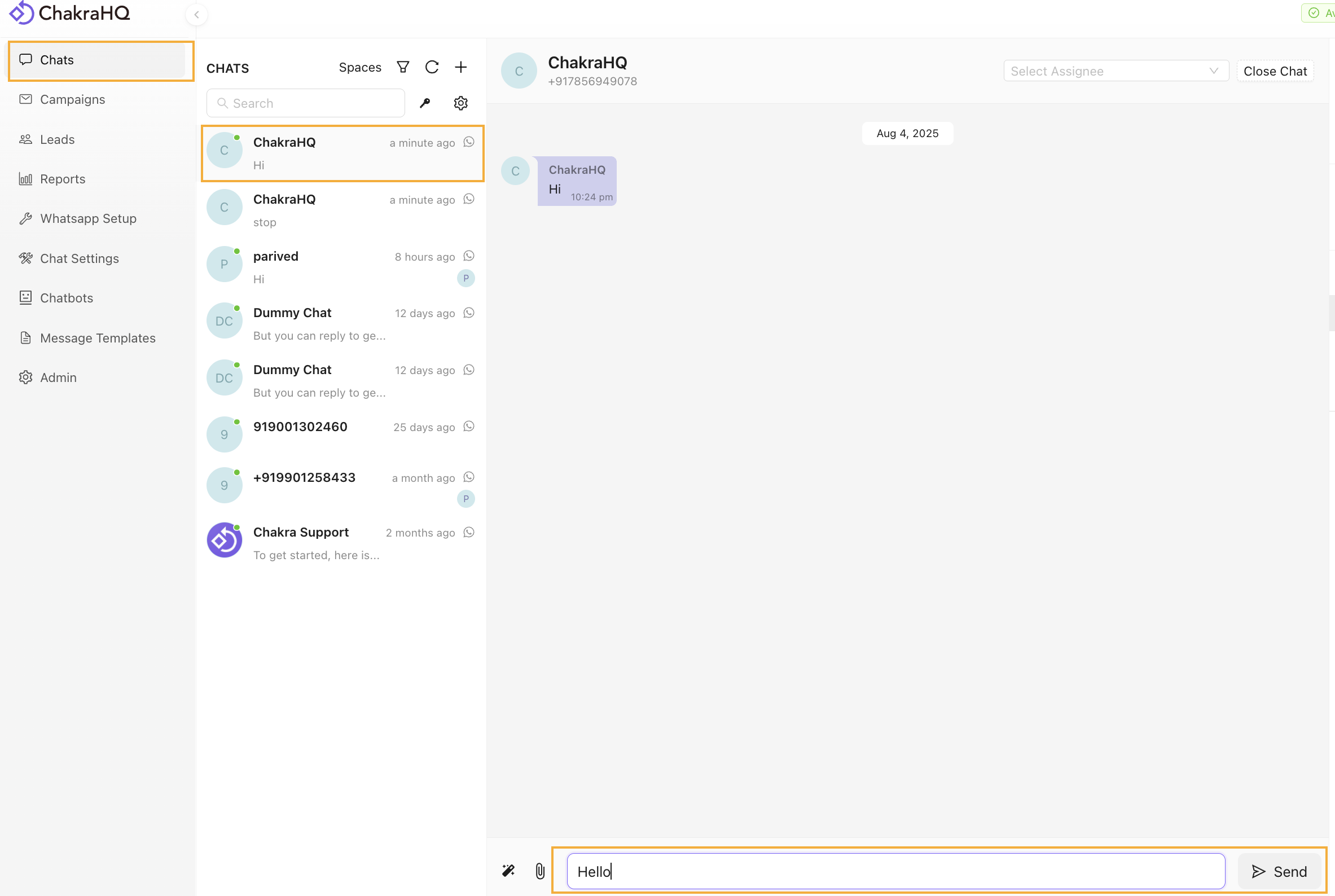
- Open the Chakra Chat window and select the chat
- Reply to a test message.
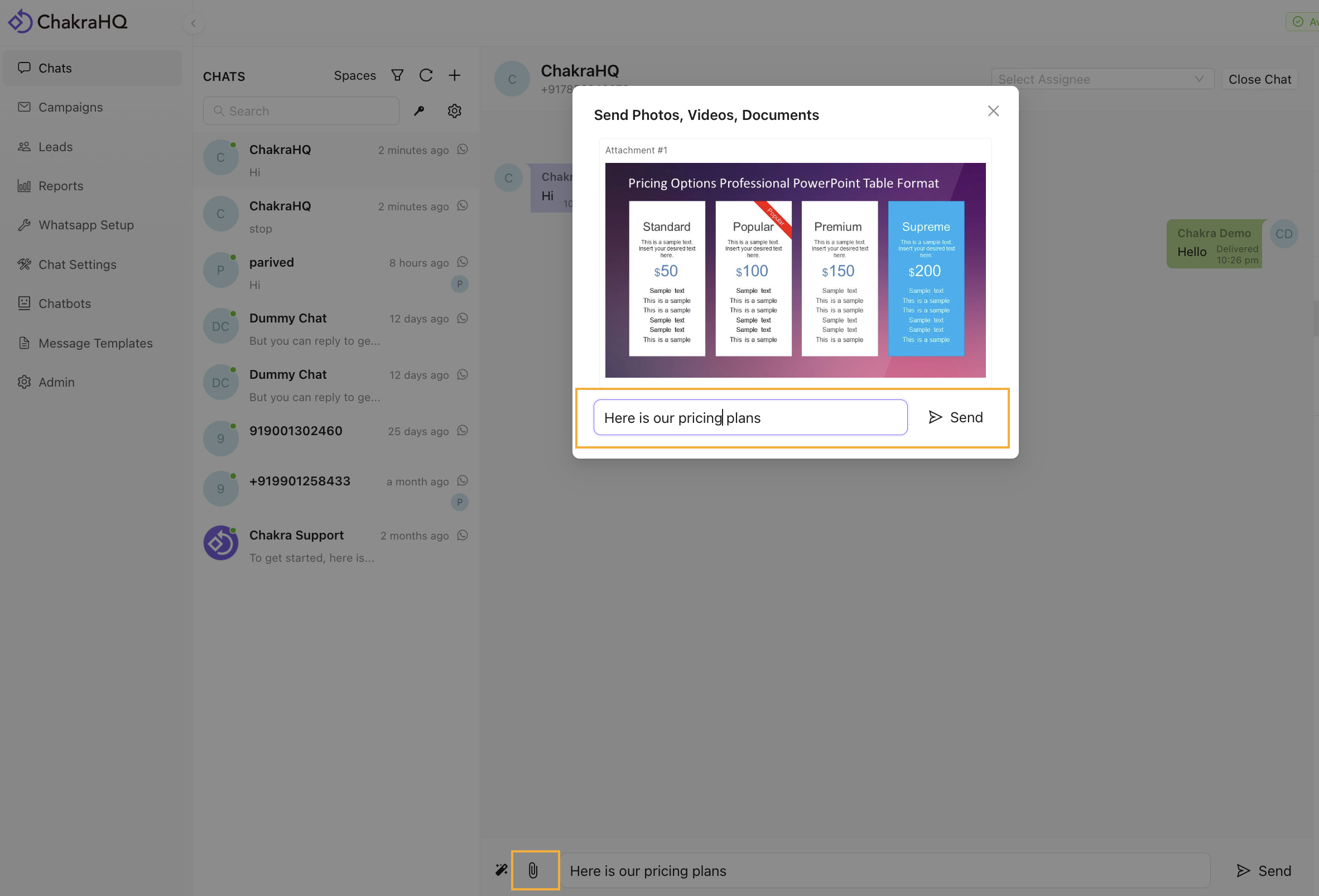
- Send an image attachment along with a text message.
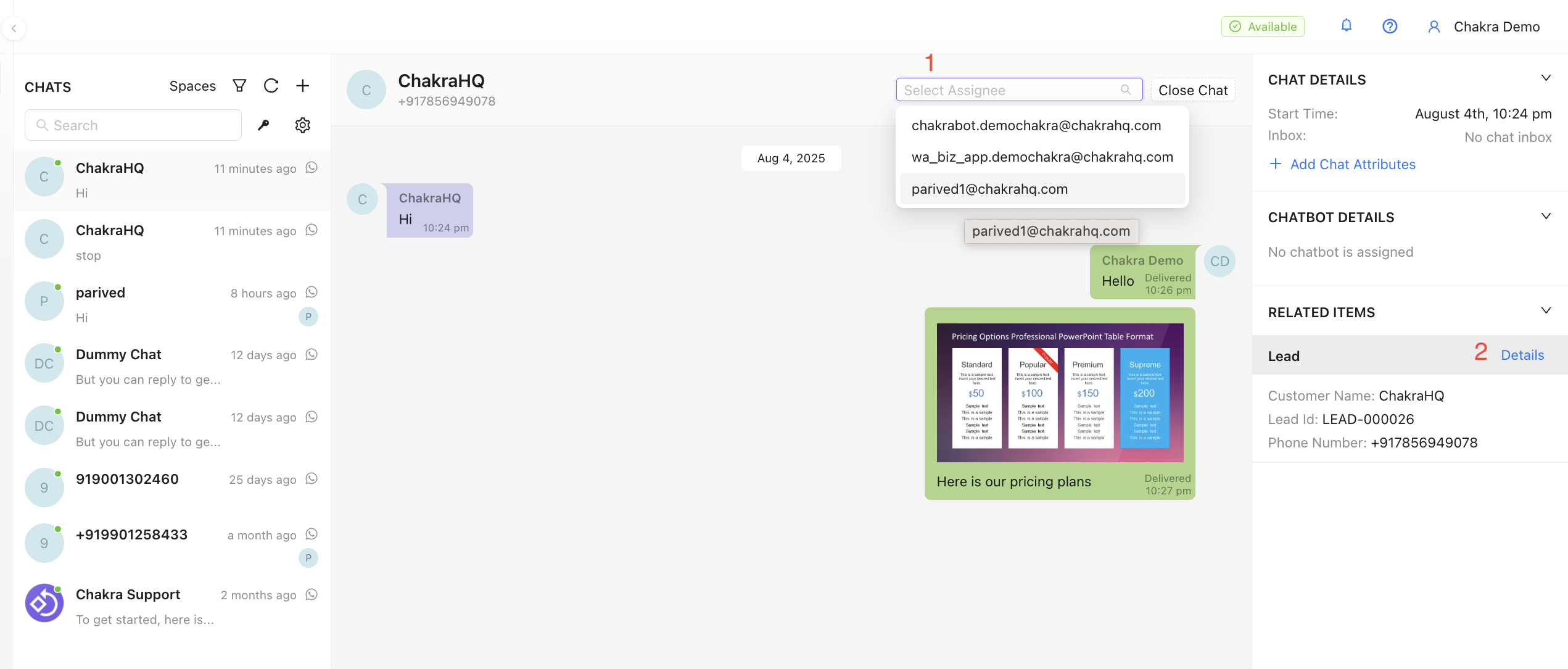
- Explore other features:
- Assign Chat to a User
- Navigate Lead from Chat
Test Incoming Messages
Go to 👉 Chakra Chat Inbox
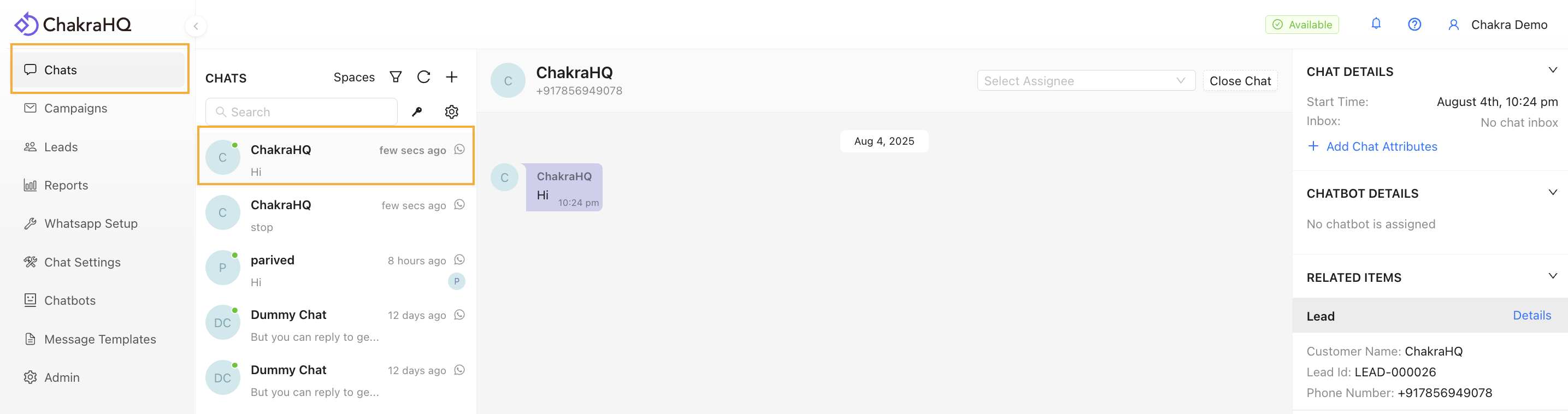
- From your WhatsApp personal app: Send a message to the connected WhatsApp Business API Number.
- Open the incoming chat in Chakra Chat to view the message. You get a pop-up sound and a browser notification for a new message.
Start Here 👉 Create Message Template
Test WhatsApp Template Message
- Click Add
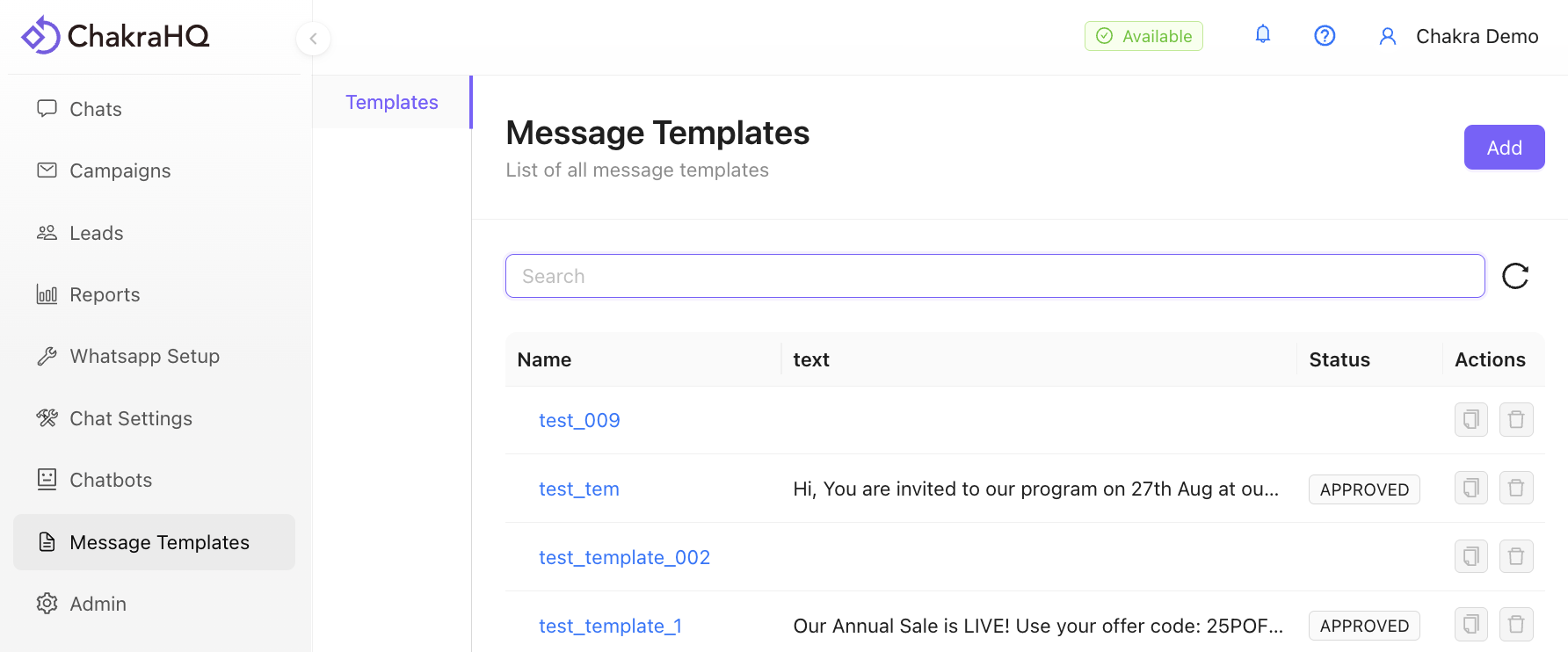
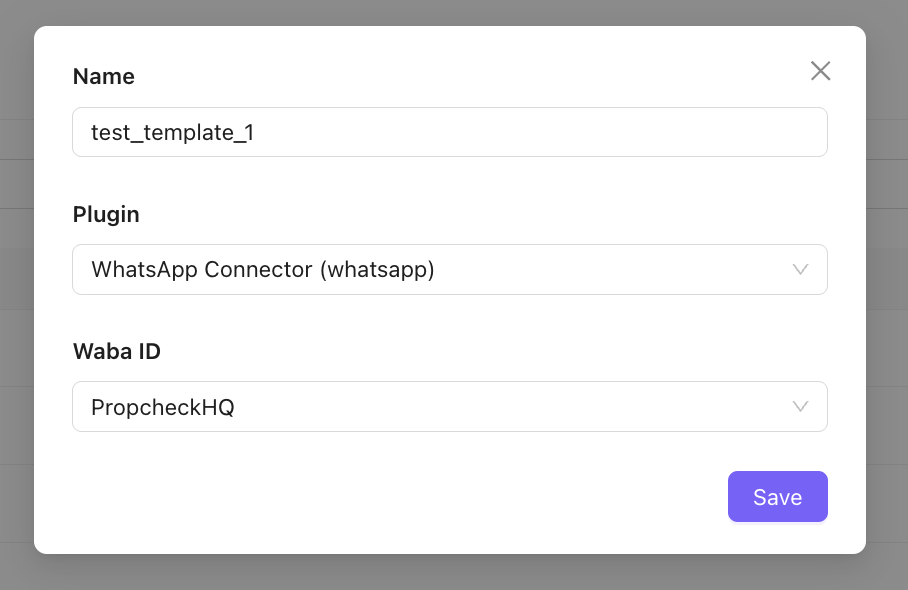
- Name the template and click Save
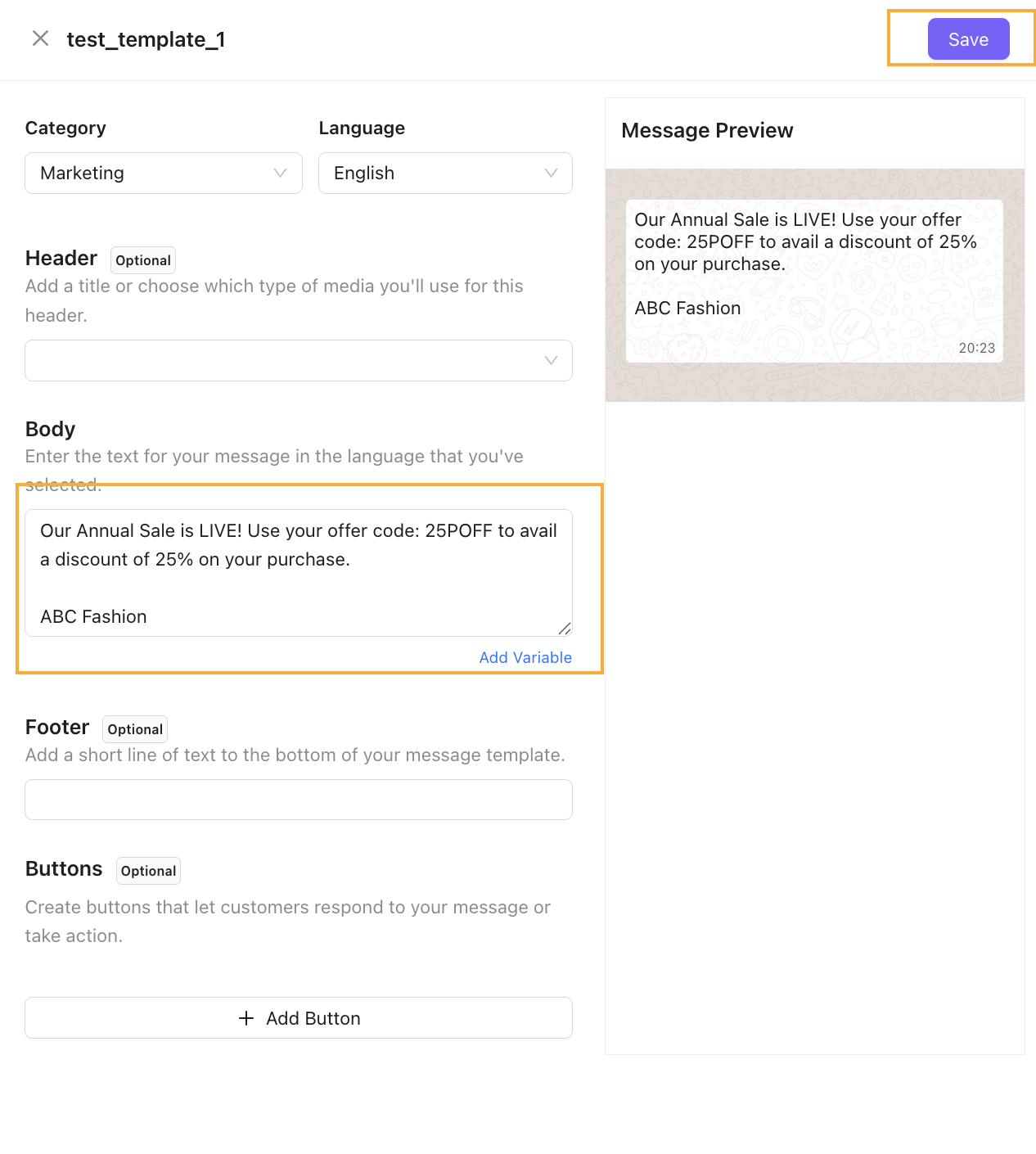
- Add Template Details:
- Add Marketing in the Category and English/ preferred language in the Language field.
- Add a short template message body or use this template sample below. Then Click Save
Our Annual Sale is LIVE! Use your offer code: OFFER25P to avail a discount of 25% on your purchase.
*
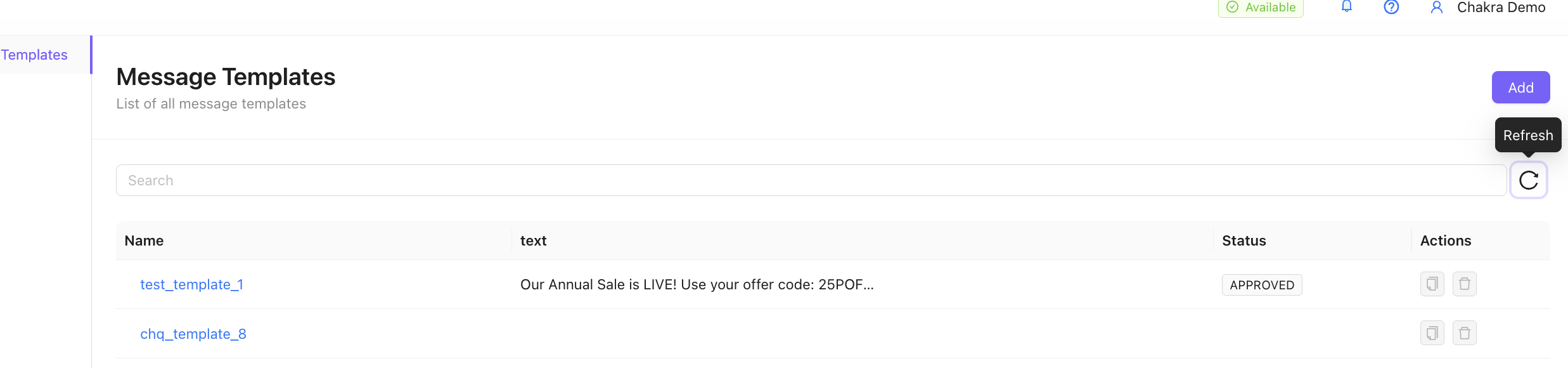
- Refresh to check template approval status, generally approved in under 2 minutes.
Test a Broadcast Campaign
Start here 👉 Chakra Chat
- Go to **Campaigns, **then click on **New Broadcast**
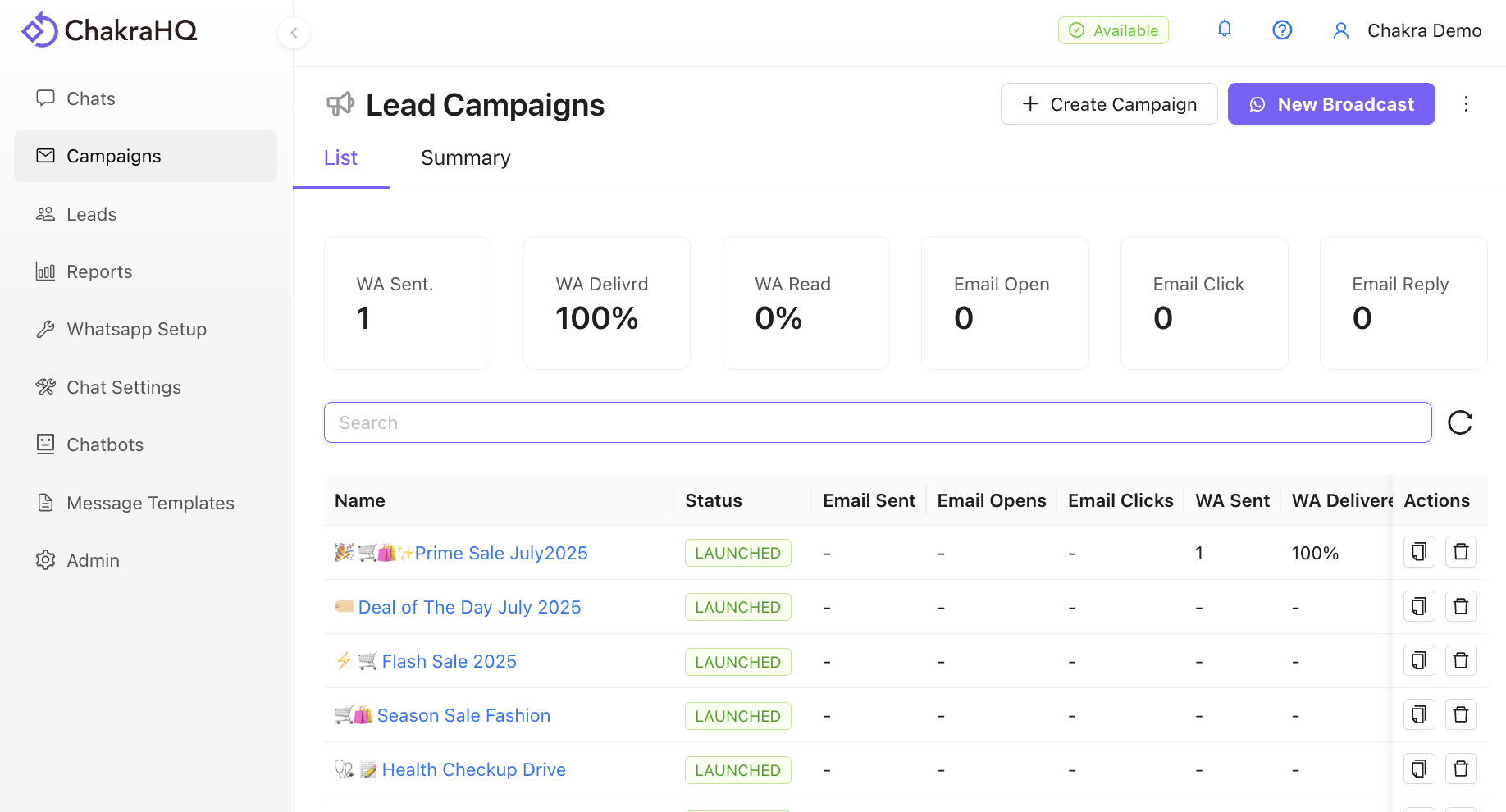
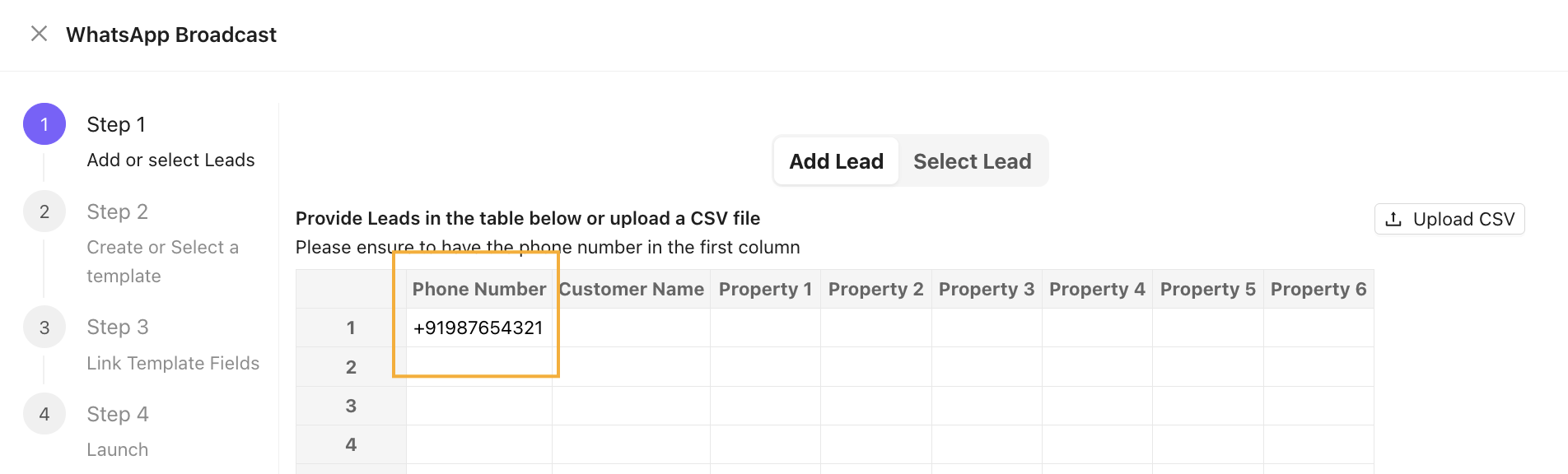
- Enter a test phone number in the phone number column in the Add Lead table, then click Next.
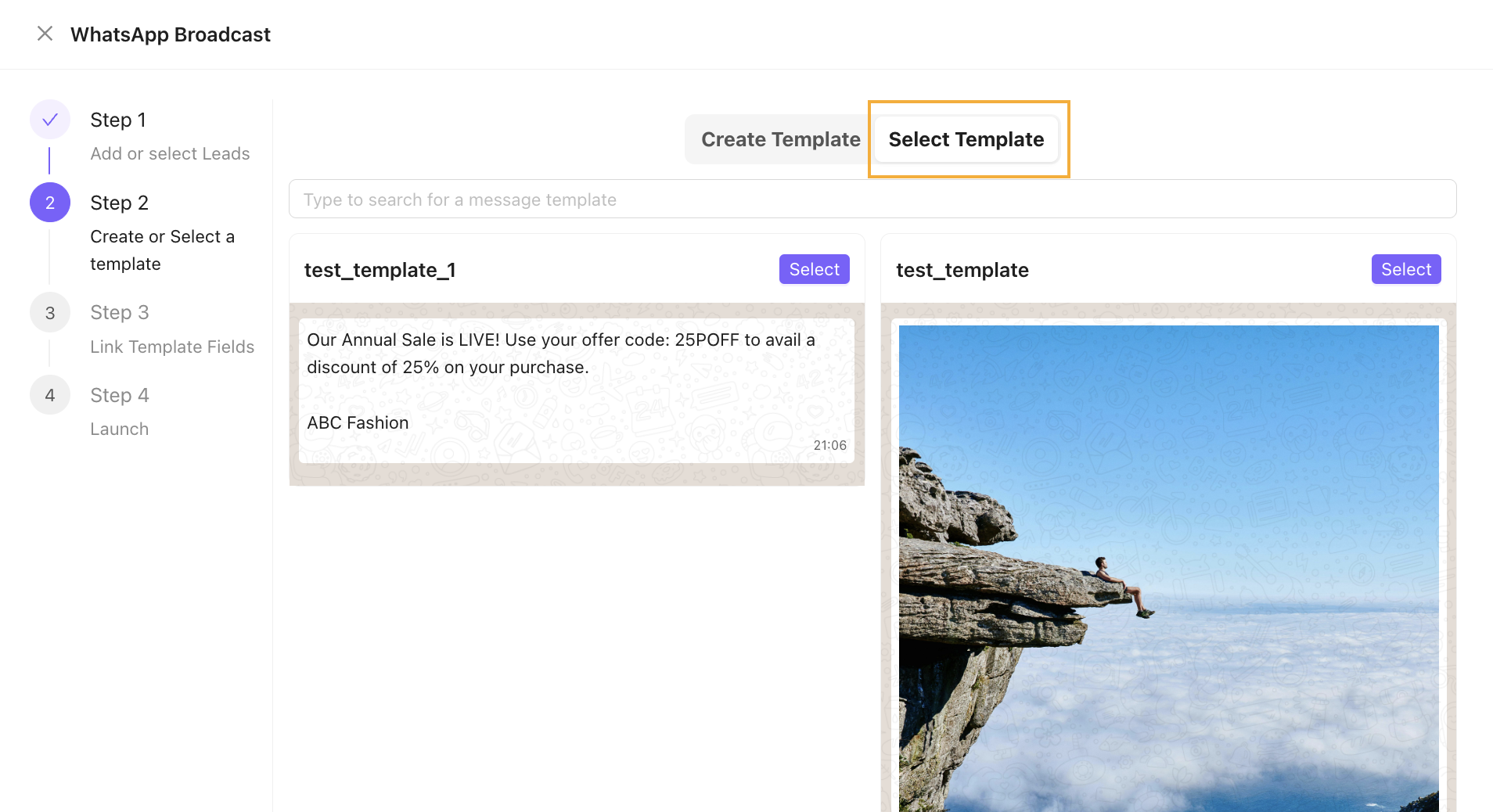
- Choose an existing template
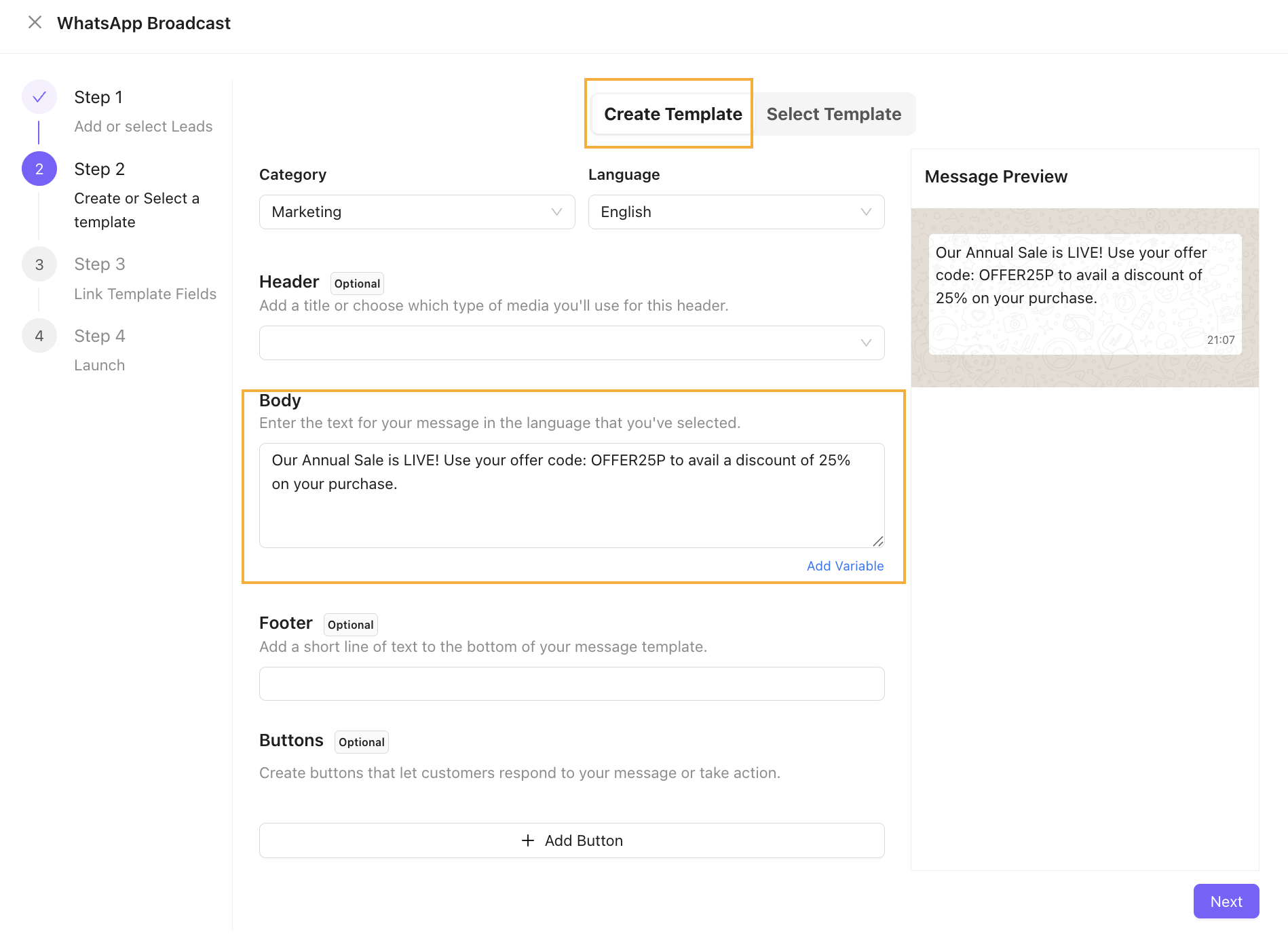
OR
Create a new template by adding a message body. Click Next.
Sample message copy 👉 * Our Annual Sale is LIVE! Use your offer code: OFFER25P to avail a discount of 25% on your purchase.
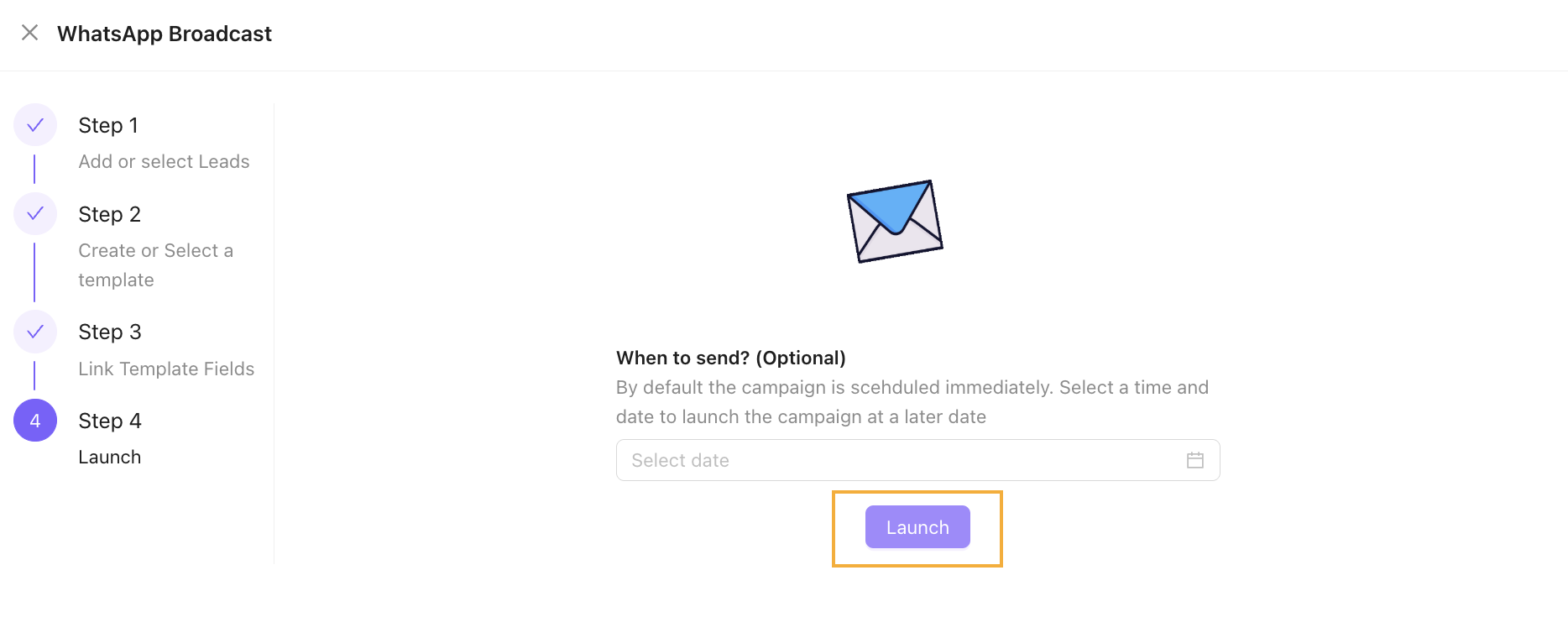
- Click on Launch. The campaign is now launched.