

Language Settings
Guide to change Chakra web app (app.chakrahq.com) language settings
Change Chakra Web app language?
- Go to the right hand top of the Chakra Dashboard
- Click on the Language setting icon 🔤
- Select the desired language from the language selector dropdown
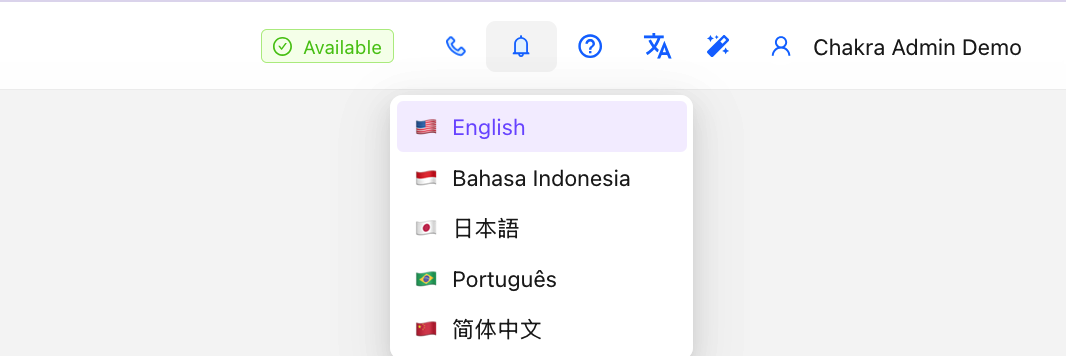
- This applies the chosen language to the Chakra Dashboard for the user
Languages Currently Supported
- English
- Portuguese- Brazil (português)
- Bahasa Indonesia
- Chinese Simplified (简体中文)
- Japanese (日本語)
- Spanish (español) - coming soon
- Arabic (اللغة العربية) - coming soon