Subscription & Billing
Guide to manage your Chakra Subscription, billing and payments
Overview
Manage Subscription
Go to Billing section from your Chakra account. Navigate to Admin > Billing Dashboard or use this direct link to access the Billing Dashboard.
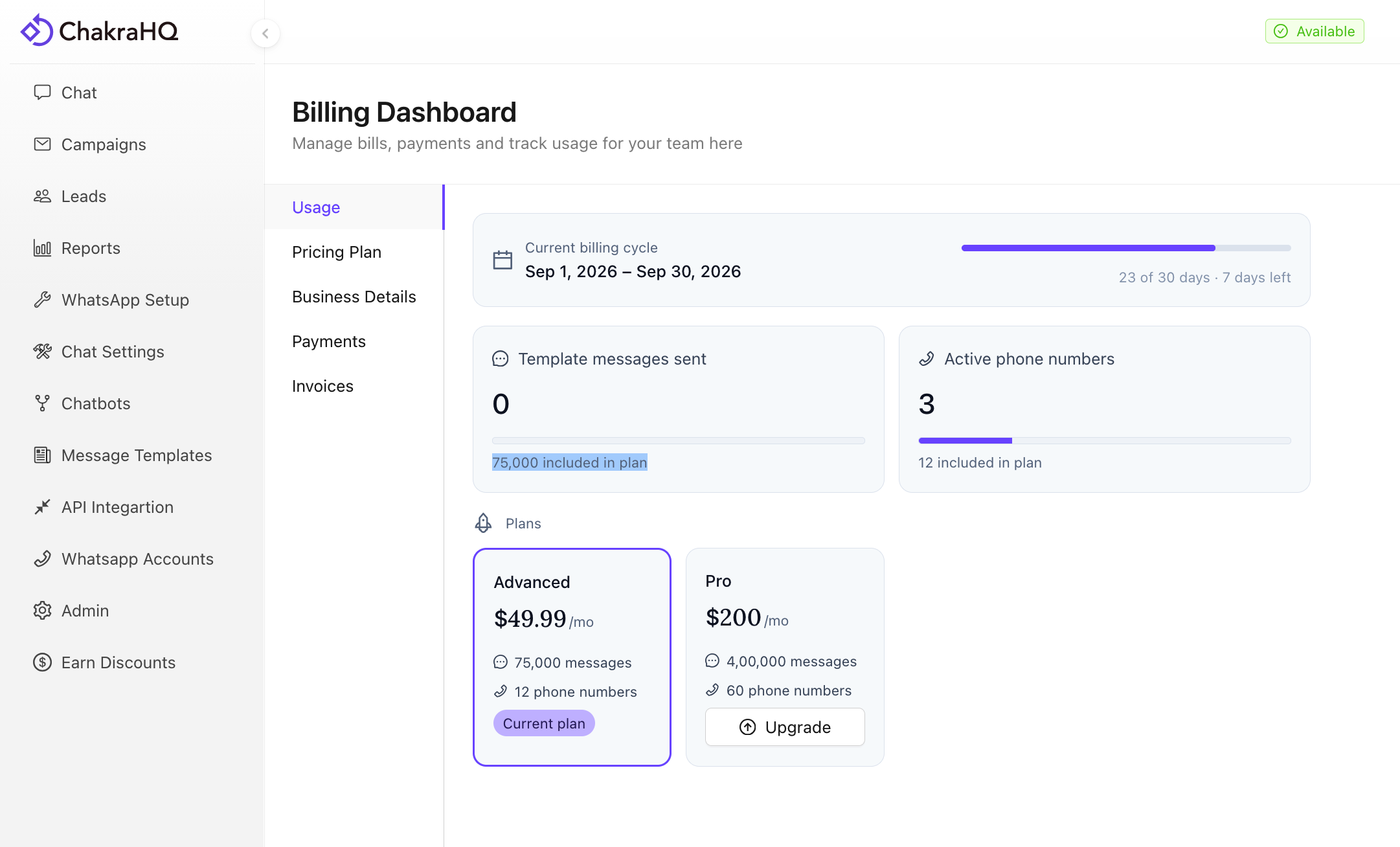
Usage
This section helps you track all your currently subscription cycle usage
- Current Billing Cycle details
- Template messages sent
- Plant Limit
- Current billing cycle usage
- Active phone numbers
- # Connected Phone Plan Limit
- Active Phone Number in the billing cycle
- Upgrade Subscription Plan
- Click on
Upgradeoption on the relevant plan to upgrade your subscription plan - Complete the upgrade by updating your subscription
- Click on
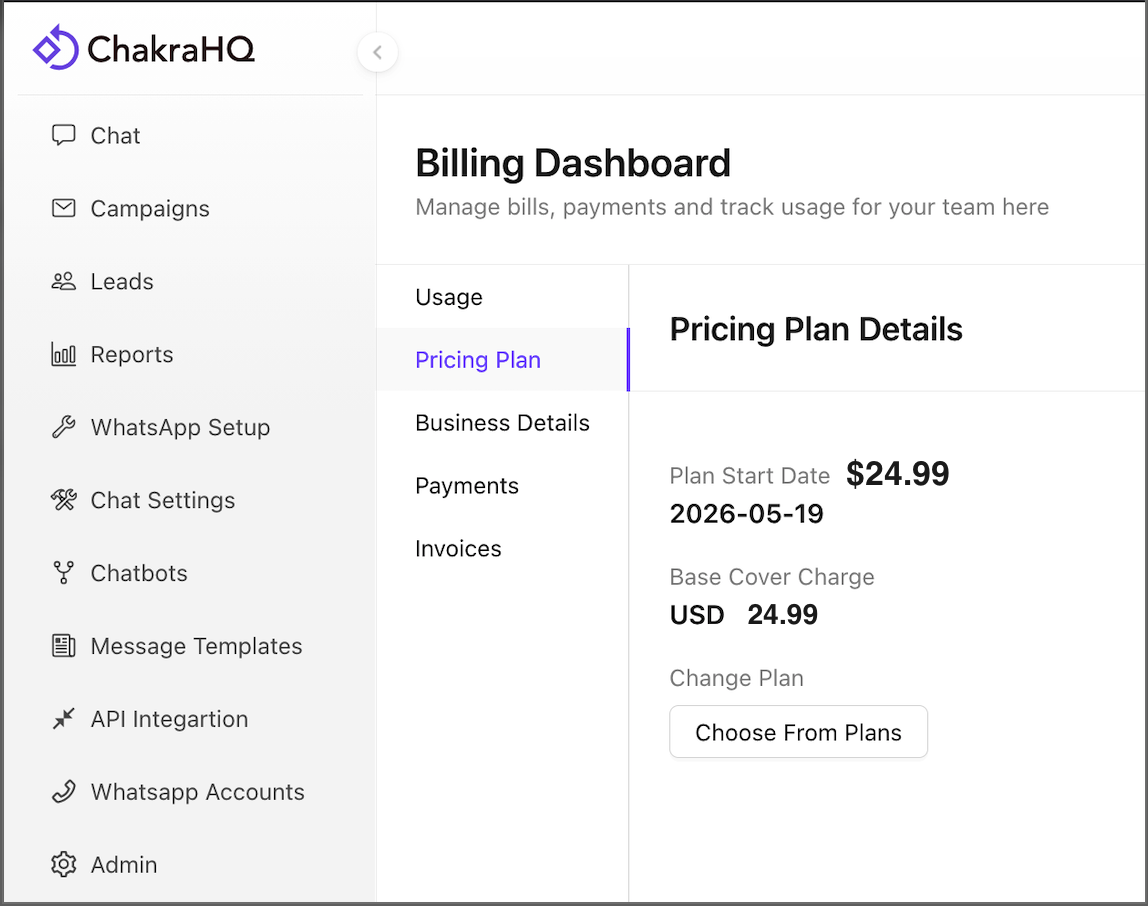
Pricing Plan
- Subscription Start Date
- Base Cover Charge (Base Plan)
- Change Subscription Plan (Upgrade)
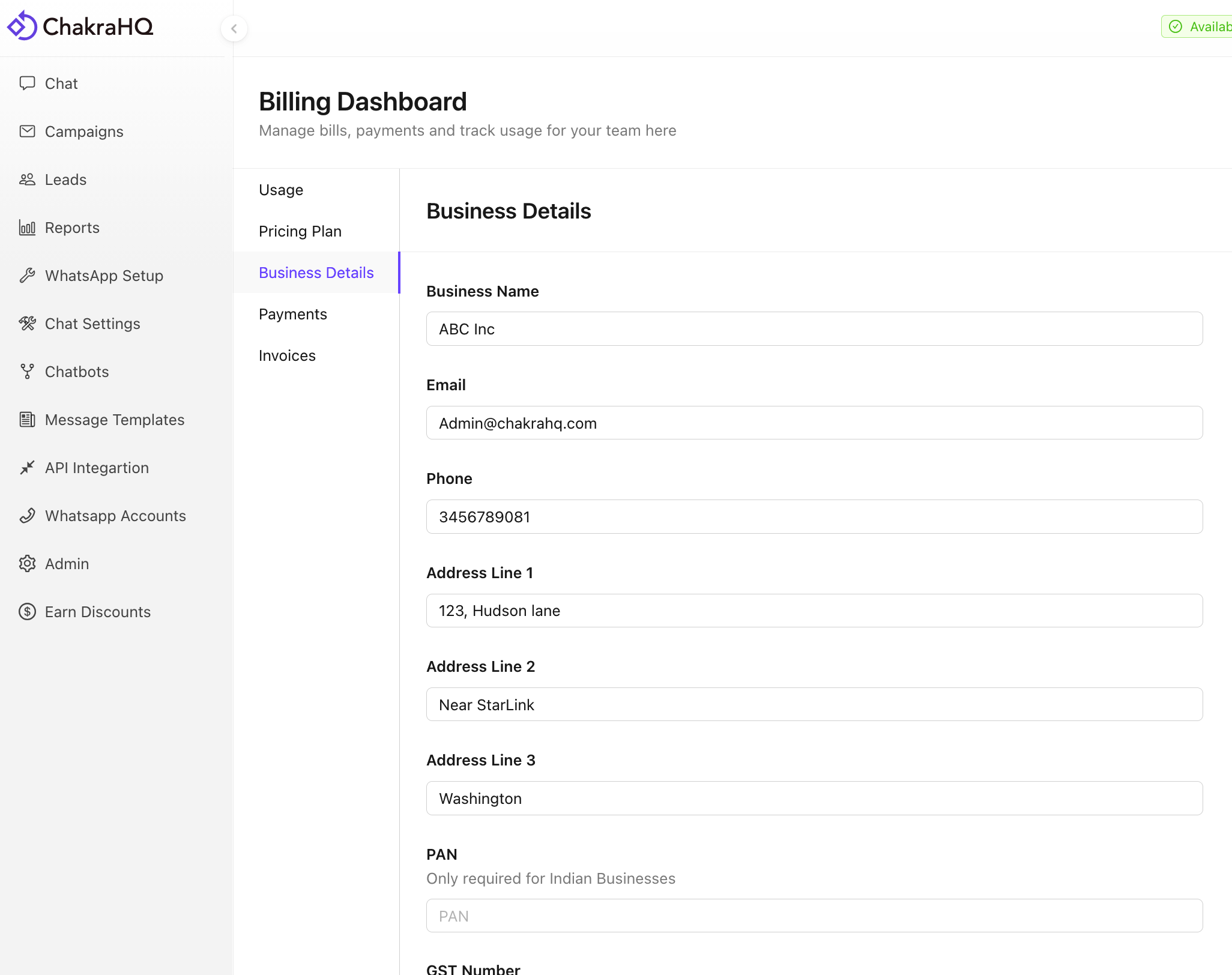
Business Details
Add/Edit/Update your business details for billing using the Business details tab
- Use the
Editbutton at the page bottom to edit the details - Click
Saveto save the changes
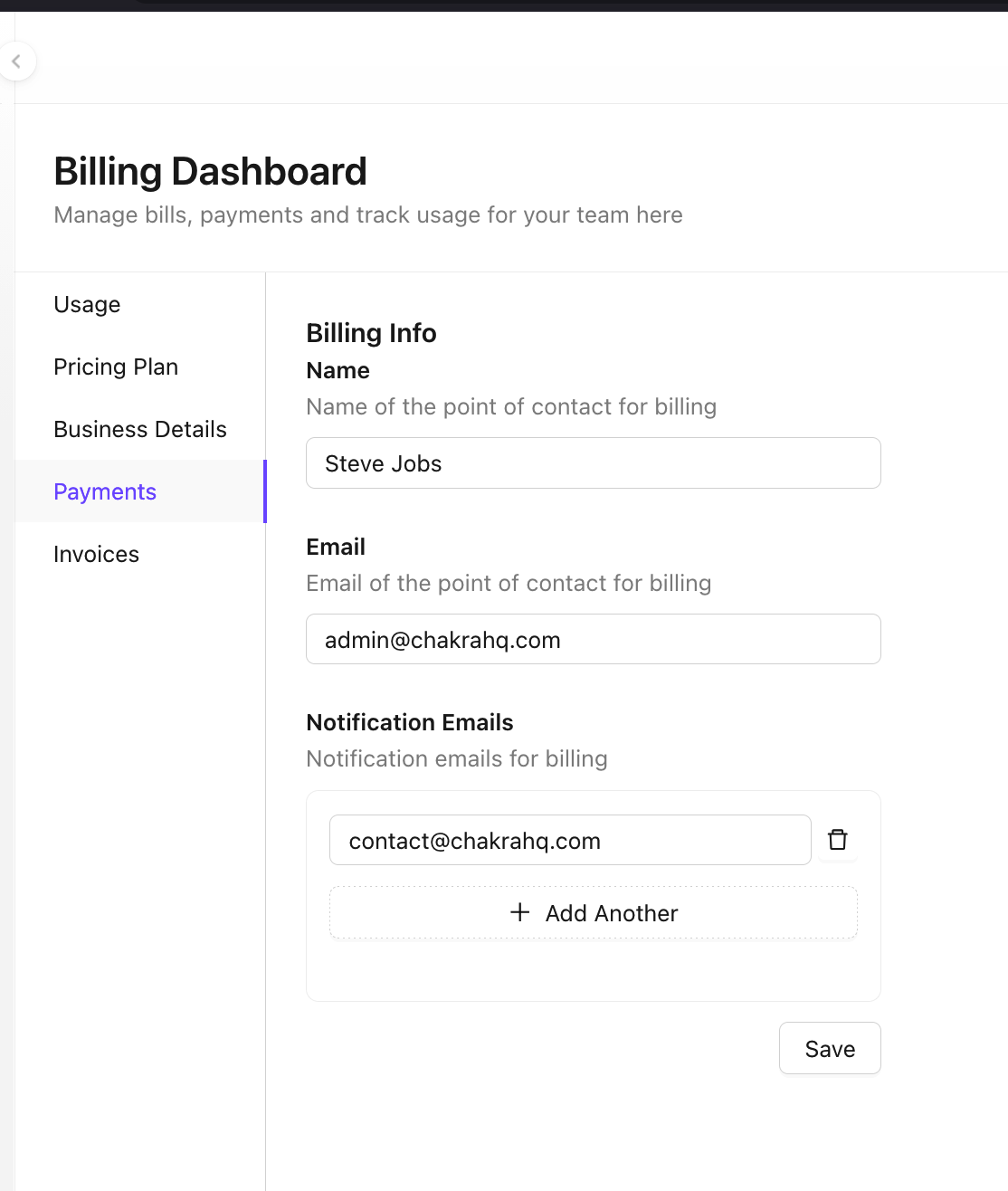
Payments
Update billing point of contact and update email for payment notifications
- Option to Add multiple POC emails in email notifications for payments
Wallet
Wallet enables your to keep your account feature operational as you overshoot the plan limits. This is specific for Template messages plan monthly limit, Phone number connection limit, among others.
Track Wallet Status:
- Balance
- Spendable
- Pending Charge
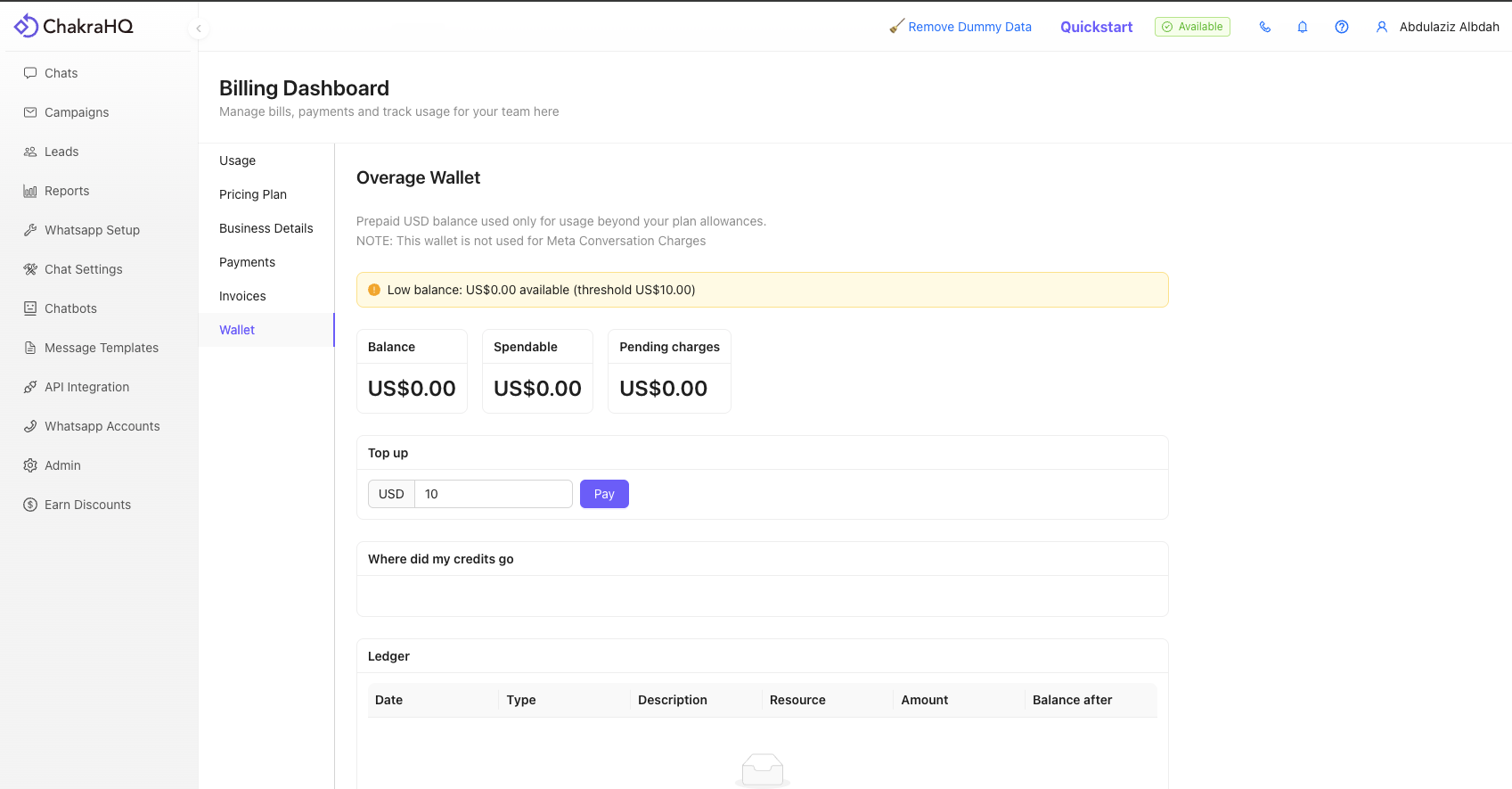
Add Amount to Wallet
- Enter the Wallet Top up amount in Top up section
- Choose the currency
- Click Pay
- Complete the Transaction
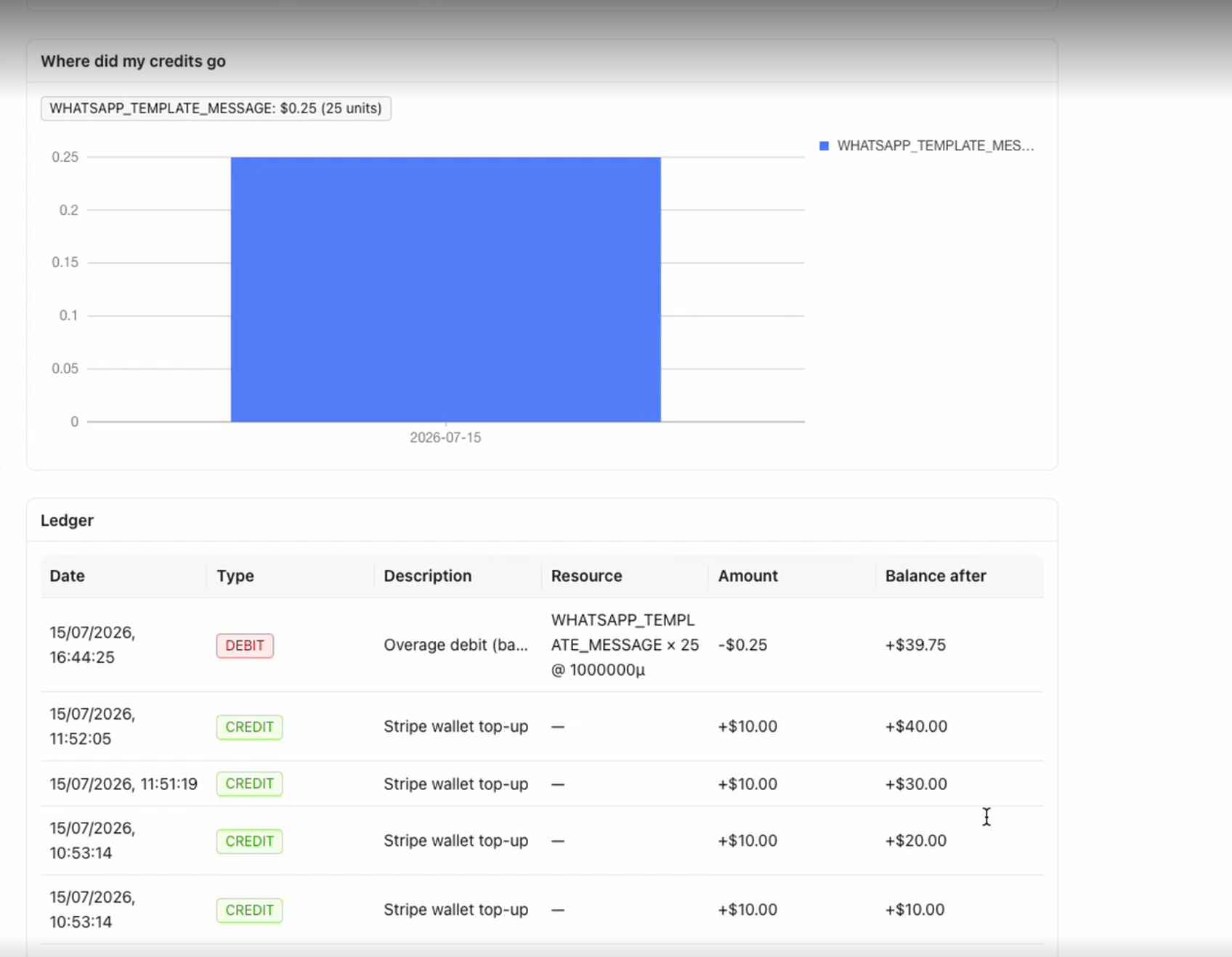
Track you wallet usage